Mxw
A GUI for configuring Glorious wireless mice.
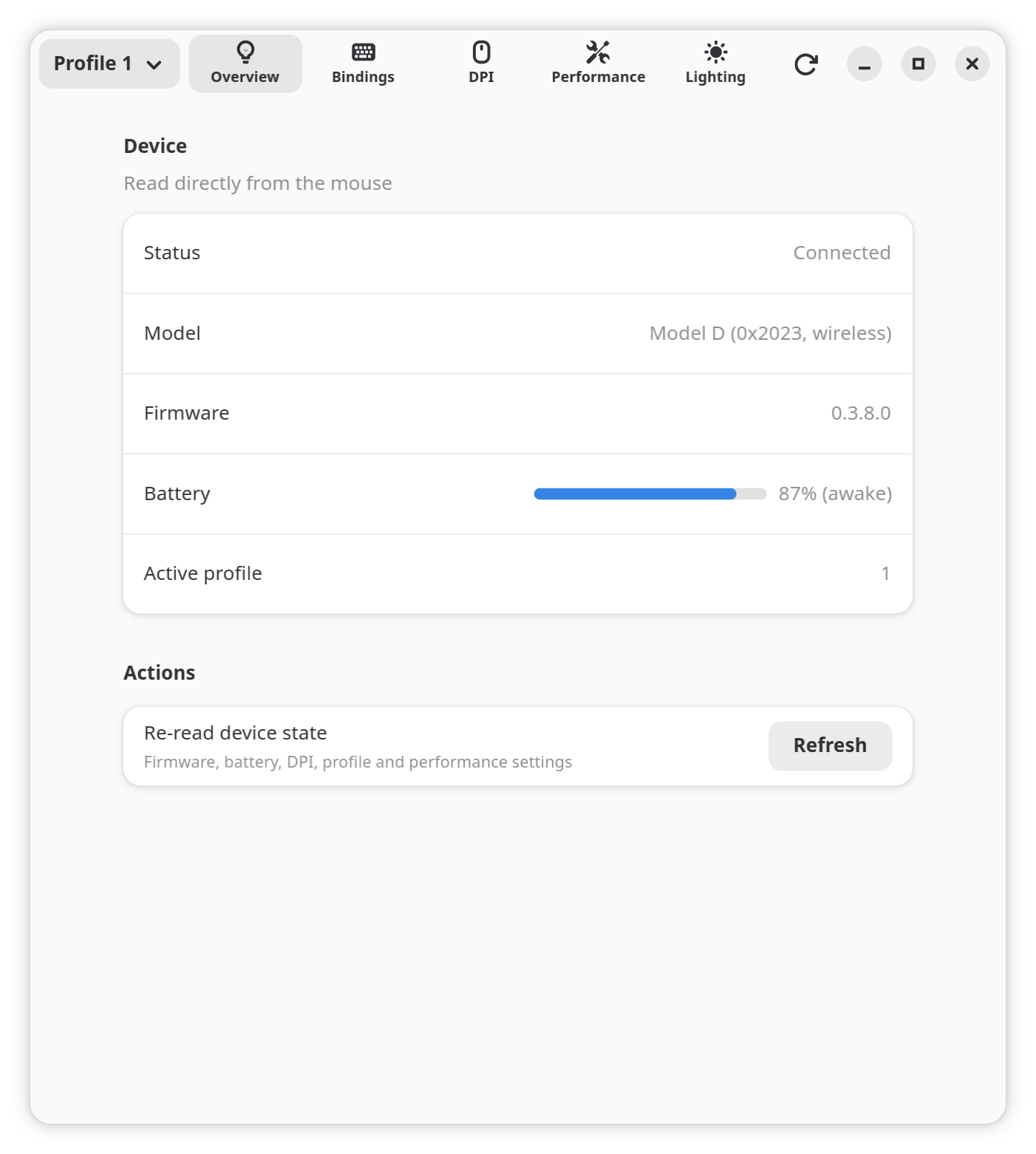
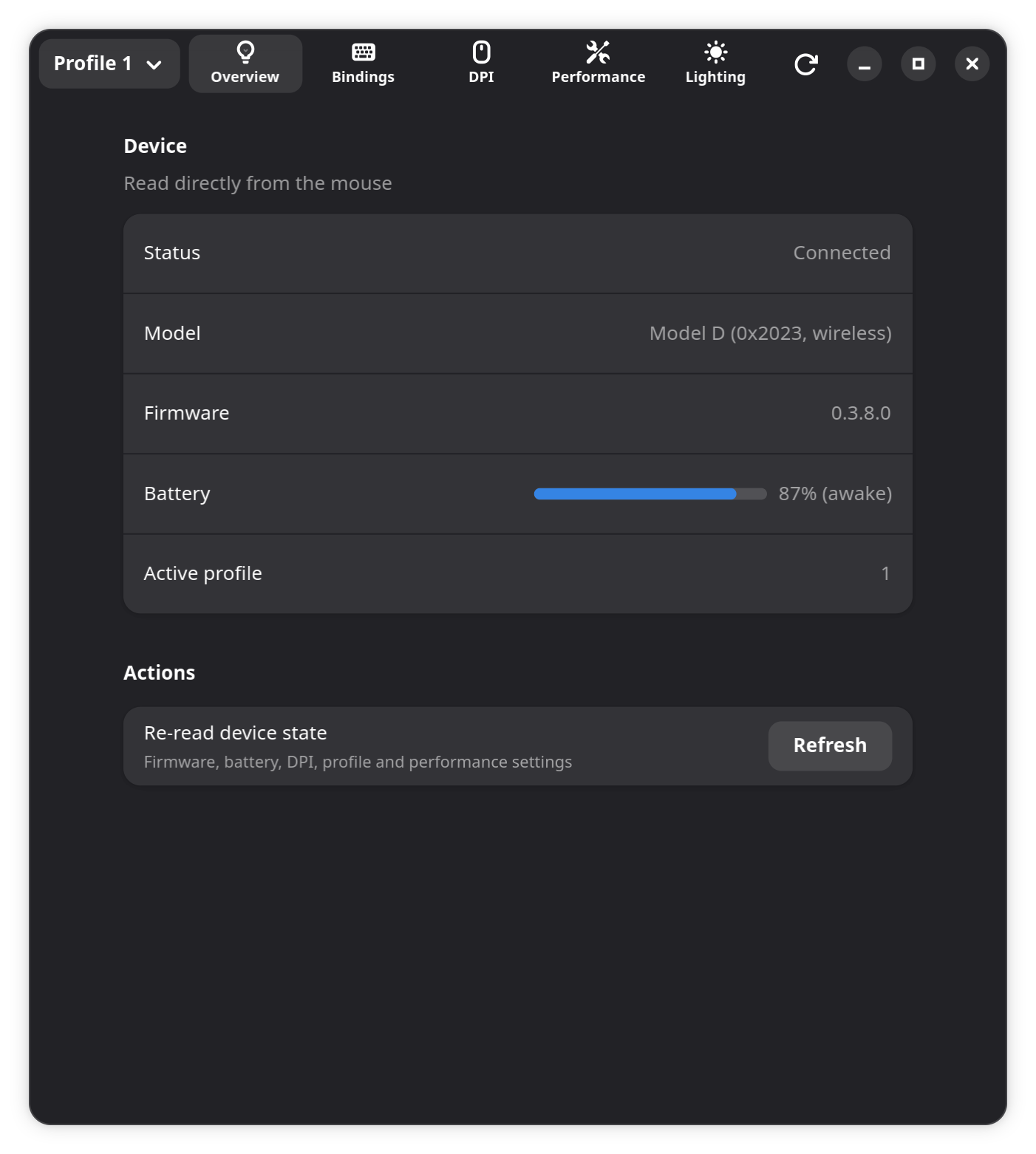
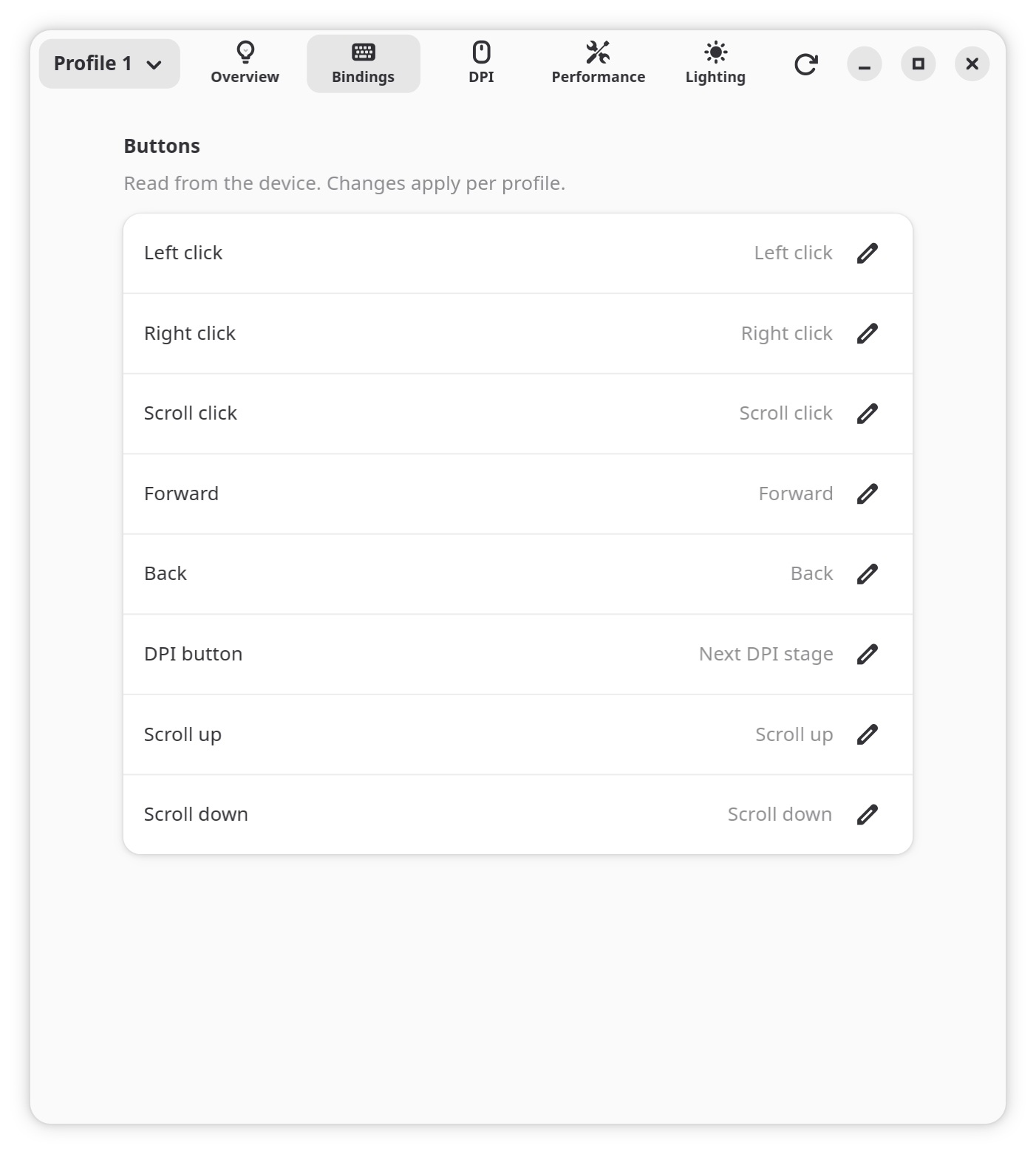
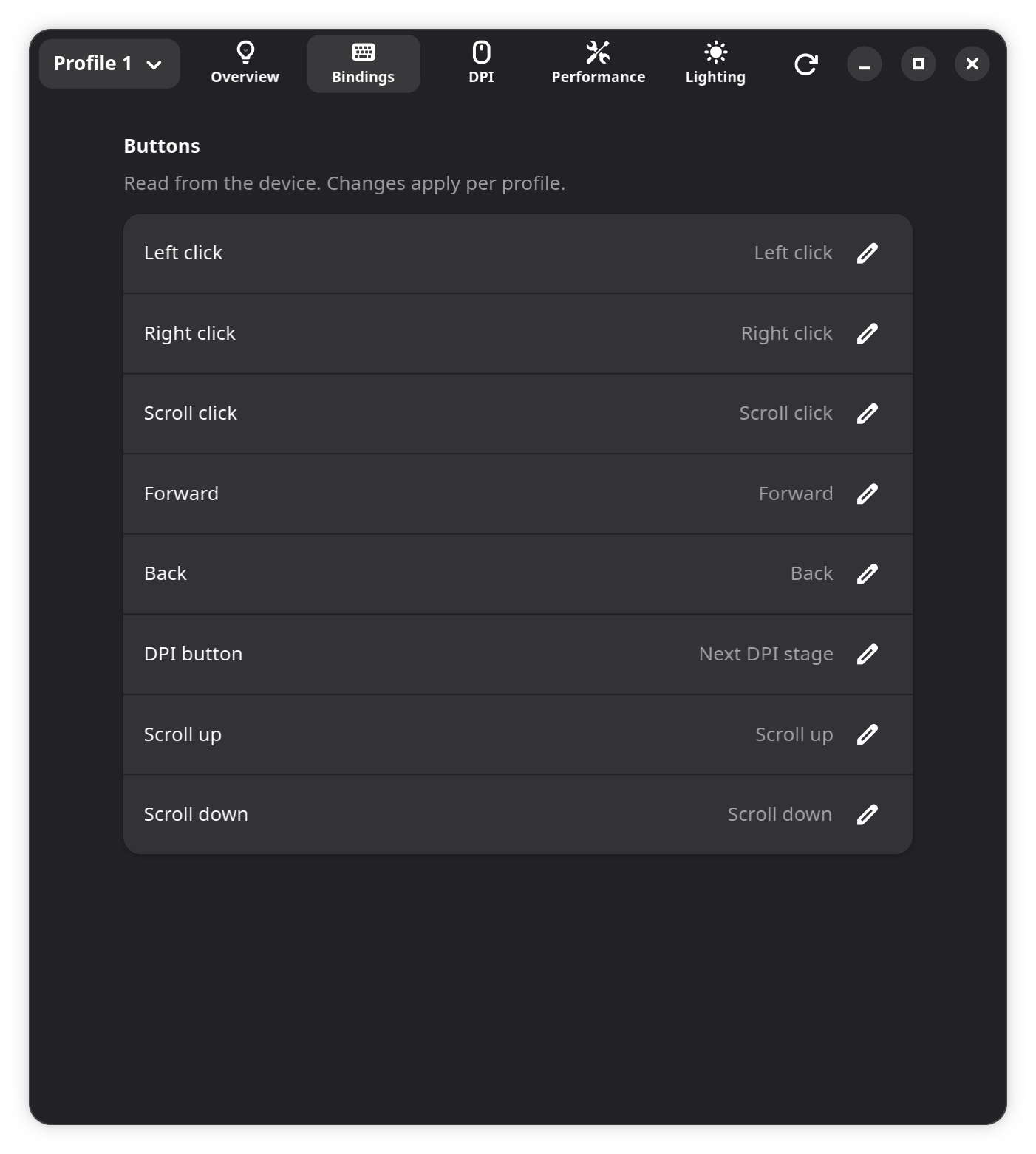
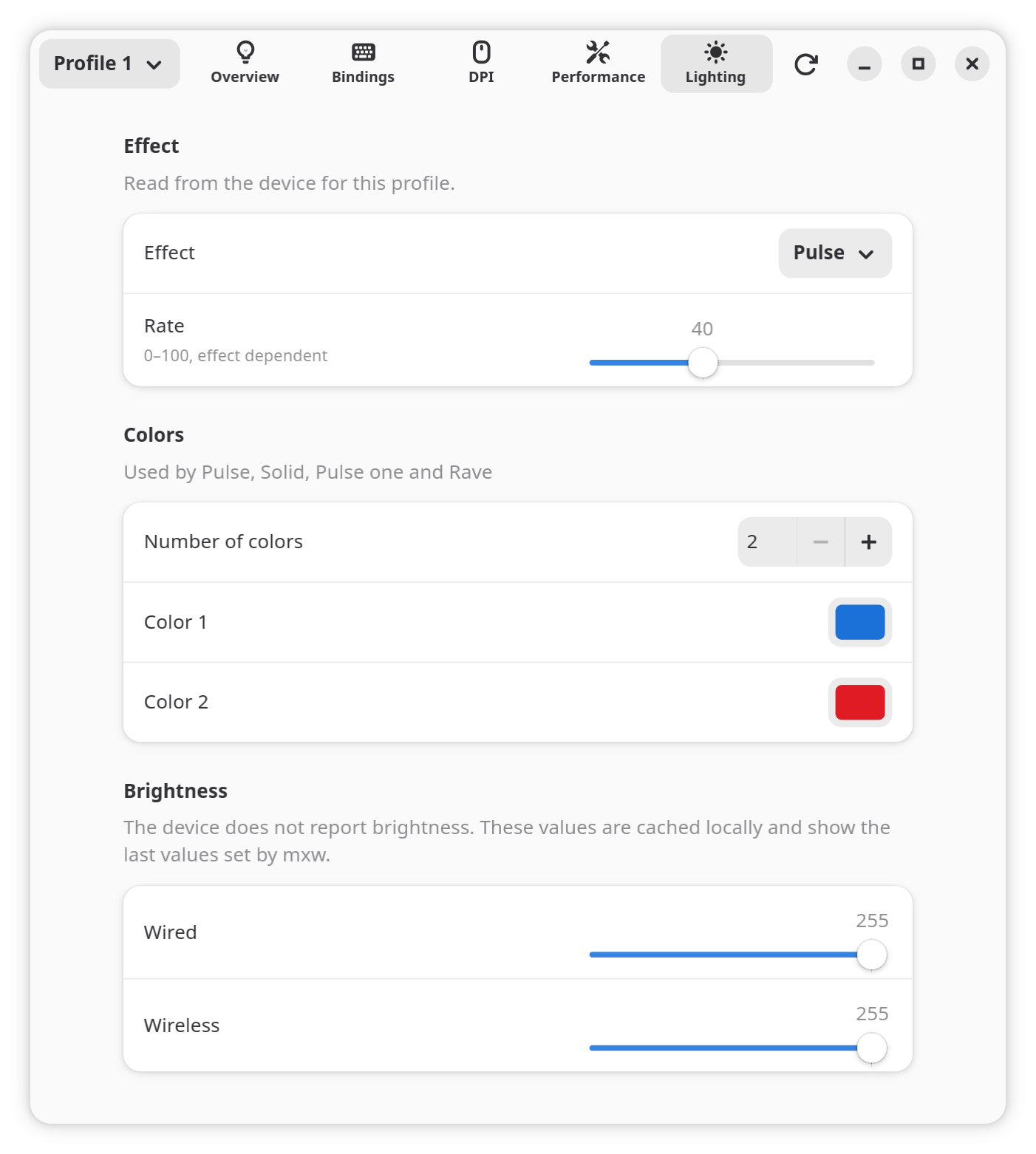
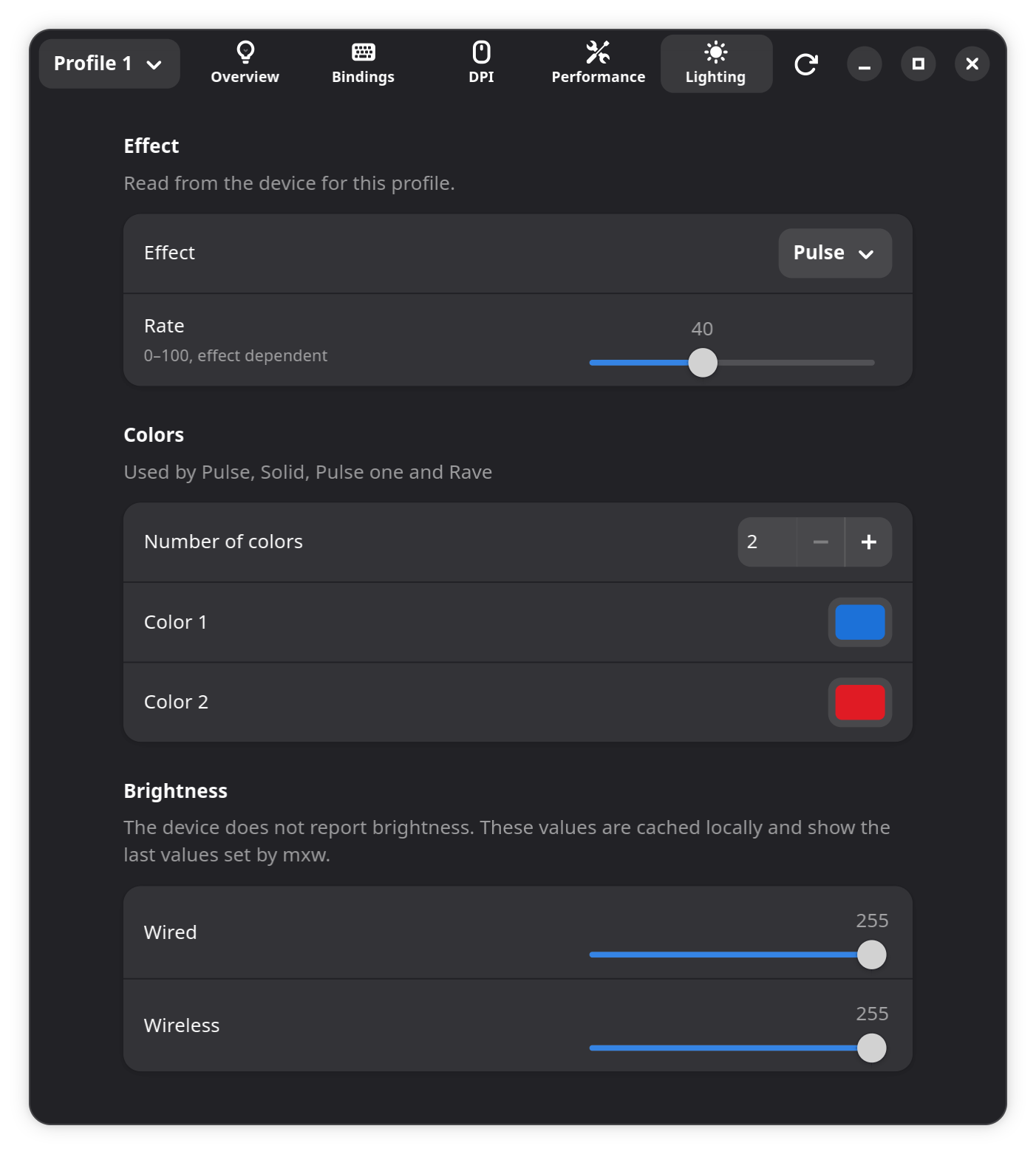
A GNOME front end for configuring Glorious wireless mice, built on the mxw command-line tool. Configure button bindings, DPI, polling rate, and LED lighting.
Supports the Glorious Core v1 generation: Model O, O-, D, D-, and D2 Pro.
Attribution
Fork of mow by way of dkbednarczyk/mxw. This fork’s changes are licensed GPL-3.0-only; portions derived from mow remain MIT.
Packages
Available from my personal package repository.
-
Add the Flatpak remote
Registers the repository as a Flatpak remote for your user account.
flatpak remote-add --if-not-exists --user benleppke https://repo.benleppke.com/benleppke.flatpakrepo
flatpak
flatpak install --user benleppke com.benleppke.Mxw-
Install the repository key
Downloads the signing key and stores it in
/usr/share/keyrings.wget -qO- https://repo.benleppke.com/GPG-KEY-benleppke.asc | sudo gpg --dearmor -o /usr/share/keyrings/benleppke.gpg -
Add the apt source
Adds the repository to a dedicated apt source file.
echo 'deb [signed-by=/usr/share/keyrings/benleppke.gpg] https://repo.benleppke.com/deb stable main' | sudo tee /etc/apt/sources.list.d/benleppke.list -
Update package lists
sudo apt update
apt
sudo apt install mxwdnf5 (Fedora 41+)
-
Add the repository
sudo dnf config-manager addrepo --from-repofile=https://repo.benleppke.com/benleppke.repo
dnf4 (Fedora 40 or older, RHEL 9 or older)
-
Add the repository
sudo dnf config-manager --add-repo=https://repo.benleppke.com/benleppke.repo
-
Add the repository
sudo zypper addrepo https://repo.benleppke.com/benleppke.repo
dnf
sudo dnf install mxw
zypper
sudo zypper install mxw-
Import and trust the repository key
Downloads the key and marks it as locally trusted.
wget -qO- https://repo.benleppke.com/GPG-KEY-benleppke.asc | sudo pacman-key --add -sudo pacman-key --lsign-key 29F4FD2938B368B4B4C52848A7CFA307FF15149E -
Add the repository
Adds the
[benleppke]section to/etc/pacman.confonly if it is not already present.grep -q '^\[benleppke\]$' /etc/pacman.conf || sudo tee -a /etc/pacman.conf >/dev/null <<'EOF' [benleppke] SigLevel = Required DatabaseRequired Server = https://repo.benleppke.com/arch/os/x86_64/ EOF -
Sync the package databases
sudo pacman -Syu
pacman
sudo pacman -S mxw